
3D Flight Simulator
The runway is the first challenge. Before the sightseeing begins, this flight simulator asks you to start an engine, build enough speed and make a deliberate movement that takes a plane into the air. That little sequence is the attraction: there is something to learn before the view becomes your reward.
Source ↗ CrazyGames · opens a new tab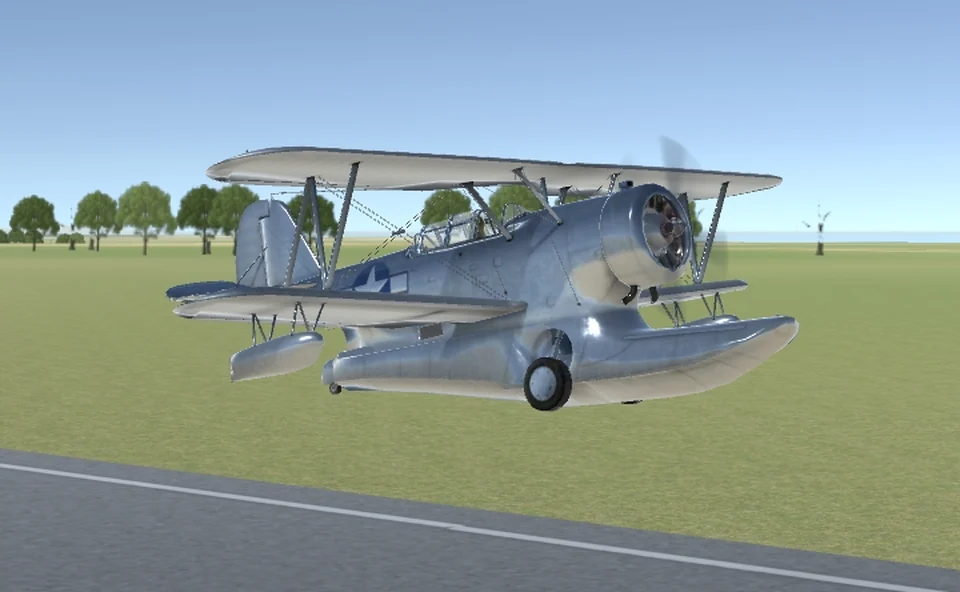 YOUR NEXT
DETOUR ↗
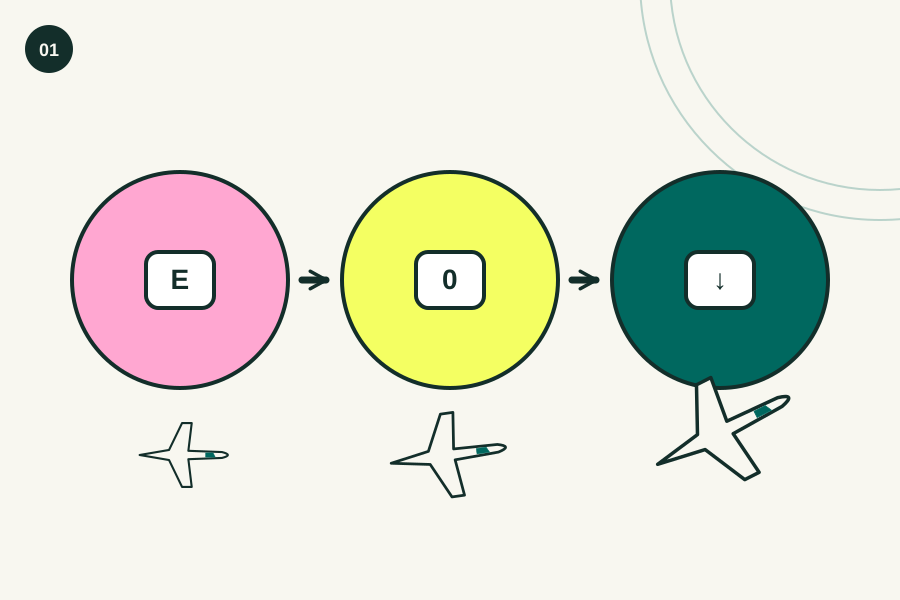
Engine → speed → lift
Use the runway as your reference. The platform's starting instructions separate engine, throttle and lift into three actions, and following that order gives you a much clearer diagnosis when a take-off doesn't work. Check the in-game controls for your chosen aircraft.
- 01Hold E to start the engine.
- 02Hold 0 to increase the throttle.
- 03Around 40 knots, use the down arrow to lift.
 Editorial illustration · enlarge ↗
Pick it for the learning, then the flying
We'd choose this when a quick button-tapping game feels thin, because working out why the aircraft moved gives you a concrete little problem to solve on the next attempt. It asks for patience. The keyboard is part of the appeal, but also the reason it makes a poor pick for a distracted phone break.
Before you settle in
Bring a keyboard. CrazyGames lists this browser version for desktop computers only, so choose a laptop or desktop with room for the controls rather than expecting a phone screen to replace them.
Make the first attempt small
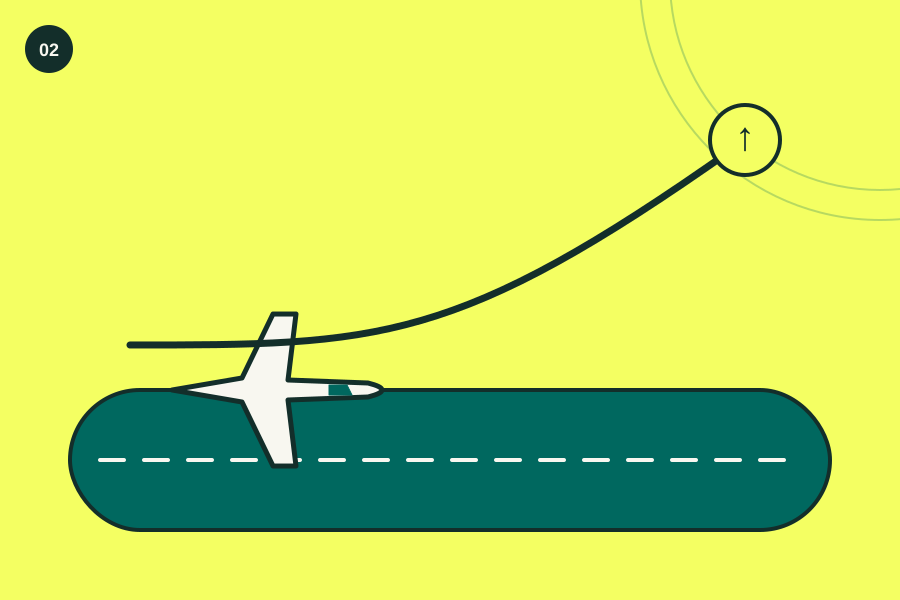
Choose one thing to learn. If your first goal includes taking off, circling the entire map and landing beautifully, a failed attempt won't tell you which action actually needs attention next time. Start with a steady run along the runway, then add lift once the speed is there. Changing one action between attempts makes the result easier to understand.
Give each control time to show its effect
When you hold a direction and then immediately press the opposite one, you can end up reacting to your own correction instead of understanding what the aircraft was doing before it. Try shorter inputs. Watch the horizon and the runway between movements, and treat a big change in direction as a reason to reduce your next correction.
Leave the helicopter for a separate session
It is a different control problem. The game includes six planes and a helicopter, but switching aircraft every time something goes wrong also changes the thing you are trying to understand during practice. Stay with one plane until you can repeat its take-off. Then compare another aircraft deliberately, using the same small goal instead of starting a fresh guessing game.
A small control cheat sheet.
- E
- Start the engine
- 0
- Increase the throttle
- Down arrow
- Lift after building take-off speed
- In-game control panel
- Check the remaining aircraft-specific controls
When a try goes sideways.
Pulling up before gaining speed
Separate the two actions. If the aircraft hasn't built enough speed along the runway, repeating the lift input only makes the sequence more confusing, so return to the throttle step and watch what changes.
Trying several keys at once
A handful of simultaneous inputs might move the plane, but it also removes the clue you need to know which key helped and which one made the next attempt harder. Change one input first.
Treating every failed landing as lost progress
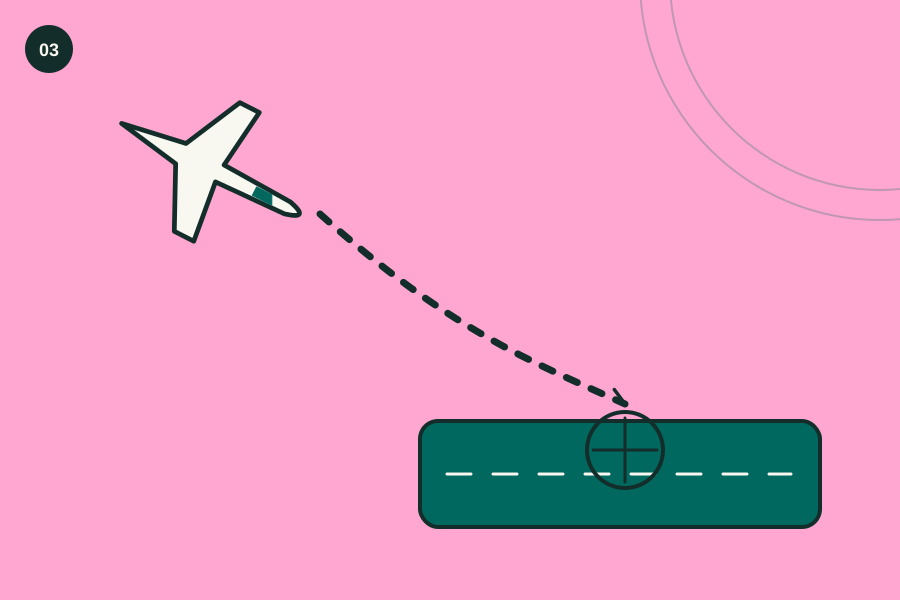
Keep the useful part. If you repeated a take-off or held a steadier heading before the landing went wrong, make that your baseline and spend the next attempt on the final approach instead.
See the idea, then try it.
Is this your kind of game?
Choose it when you enjoy learning controls. Someone who likes repeating a short procedure and noticing small improvements has more to work with here than someone who wants a story, missions or rewards explained immediately on screen.
The bit to keep in mind
The controls need your attention. If you only have a touchscreen or want to start with a single tap, the desktop keyboard setup adds friction before you even reach the runway. CrazyGames does not publish a precise hardware minimum on the linked page, so performance on your computer remains something to check.
Still wondering?
Can I use my phone for this version?
The platform says desktop only. A game appearing in a mobile browser does not establish that its keyboard controls work there, so use a computer for the version linked from this guide.
Why am I still rolling along the runway?
Check the sequence before changing aircraft. The starting guide calls for the engine, then added throttle, then lift at roughly forty knots, so identify the missing step rather than pressing all three controls together.
Do I need a joystick?
The published starting instructions use keyboard keys, and the linked page doesn't make a joystick a requirement or promise support for a particular controller that you already own. Start with the keyboard.