
Yummy Chocolate Factory
Here, the next task is the attraction. Yummy Chocolate Factory turns chocolate-making into a sequence of small interactions, with ingredients, melting and shaping giving you something concrete to finish instead of another score to chase. It is a guided cooking game. The useful question is whether you enjoy following a process, because that matters more here than quick reactions.
Source ↗ Poki · opens a new tab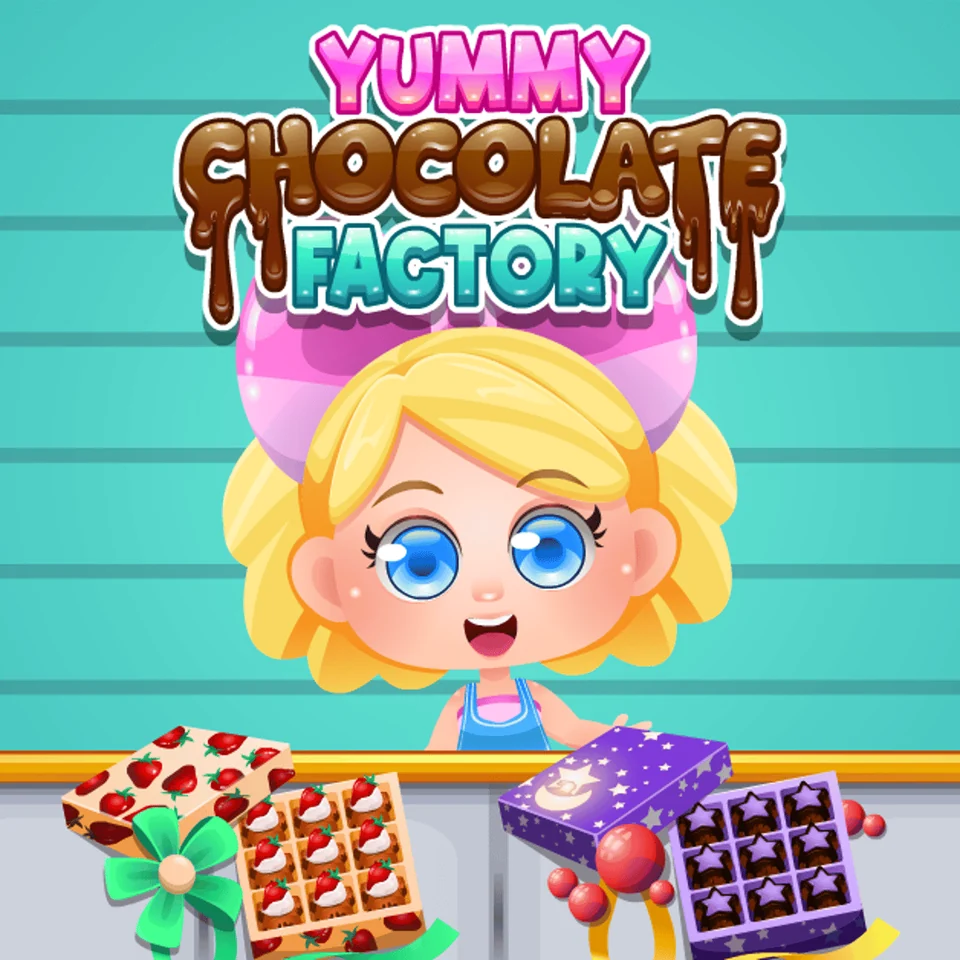 YOUR NEXT
DETOUR ↗
Find the object, then its destination
The destination matters as much as the ingredient. If you recognise what the game wants but nothing changes, look for the highlighted area where that object belongs rather than repeatedly tapping every item on the counter.
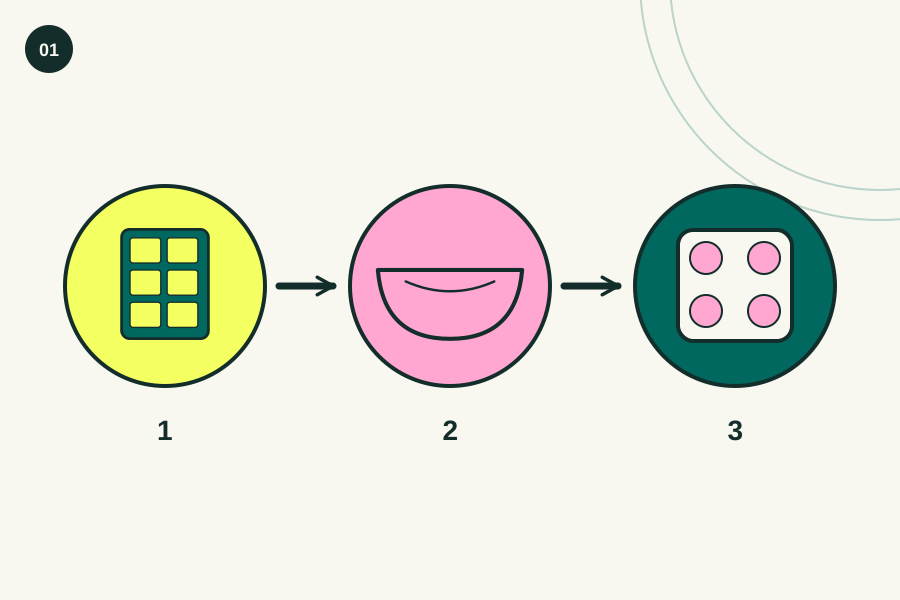
- 01Look for the ingredient or tool the game requests.
- 02Check whether the prompt asks for a tap or a drag.
- 03Finish that action before moving to the next object.
 Editorial illustration · enlarge ↗
Our gentle pick for finishing a little process
We'd recommend this when you want to turn a set of ingredients into something recognisable, because each stage gives the session a clear direction without requiring a complicated strategy before you begin. The guidance is the point. If you want to invent recipes freely or run a detailed factory economy, choose a different kind of game.
Before you settle in
Poki lists this game for computers, phones and tablets, and describes clicking, tapping and dragging to handle objects, so choose the screen that makes the ingredients easiest for you to see and move. No app download is needed.
Treat the counter as an instruction
Start with the active object. A cooking scene can contain plenty of decorative detail, but the useful first question is which ingredient, container or tool the current prompt is asking you to move right now. Read the action as well as the picture. Recognising a bowl isn't enough if the game expects you to drag something into it instead of simply selecting it.
Finish the action before hunting for another one
When you switch between objects halfway through a prompted task, it becomes harder to tell whether the game rejected your choice or whether the first interaction simply hasn't reached its intended destination yet. Follow one instruction through. If progress stops, repeat the requested motion carefully before assuming that speed or tapping more often will solve the problem.
Enjoy the result without treating it as a recipe
The chocolate is a game object. Preparing and shaping it can be a satisfying sequence, but the screen skips the real ingredients, temperatures and food-handling decisions that would matter if you tried to make the same thing in a kitchen. Use the process as play. The reward is seeing one stage lead to the next, not learning a dependable cooking method.
A small control cheat sheet.
- Click / tap
- Select the ingredient or tool requested by the prompt
- Drag
- Move an object to the indicated area
- On-screen instructions
- Follow the current preparation or shaping step
When a try goes sideways.
Tapping when the task needs dragging
Read the motion cue. If selecting an ingredient doesn't advance the task, inspect where the game wants it to go and try a controlled drag to that area instead of tapping the same object repeatedly.
Moving on before a step finishes
A new ingredient can look tempting while the previous action is still incomplete, so finish the motion or wait for the next prompt before deciding that the game has moved on to a different task. Complete one thing first.
Expecting a fully open kitchen
Follow the offered sequence. The platform describes a game built around instructions, so a recipe idea that would be fun in a sandbox may simply not be one of the actions this particular step accepts.
See the idea, then try it.

Is this your kind of game?
Choose it for a low-pressure making session. It suits someone who enjoys selecting objects and watching a process take shape, especially if they prefer a clear next instruction to balancing several competing goals at the same time.
The bit to keep in mind
Freedom is fairly limited by the premise. The game description emphasises following instructions, so don't read the factory setting as a promise of complex staff management, free recipe design or a detailed business simulation with realistic production costs. Poki can show advertising around play.
Still wondering?
Is it mainly a business-management game?
The useful expectation is guided cooking. Although the description mentions a factory and customers, its stated interaction is handling objects and following instructions, so we wouldn't choose it specifically for an elaborate management system.
Can I play with touch controls?
Poki lists phones and tablets alongside computers, and its instructions include tapping and dragging, which makes a touch screen a supported option for the linked version rather than just a guess based on the artwork. Give your finger room to move.
Does the game teach real chocolate-making?
Treat it as a playful sequence, because the published description doesn't provide the ingredient measurements, temperatures or other practical detail you would need to follow it safely as a real recipe in your own kitchen. Enjoy the pretend confectionery.