
Crossy Chicken
The next step is the whole puzzle. Crossy Chicken puts a small animal in front of dangerous roads, then asks you to turn a moving scene into a decision about when to go and when to hold back. Coins add a tempting detour. Reaching them safely is a different question from simply noticing that they are there.
Source ↗ Y8 · opens a new tab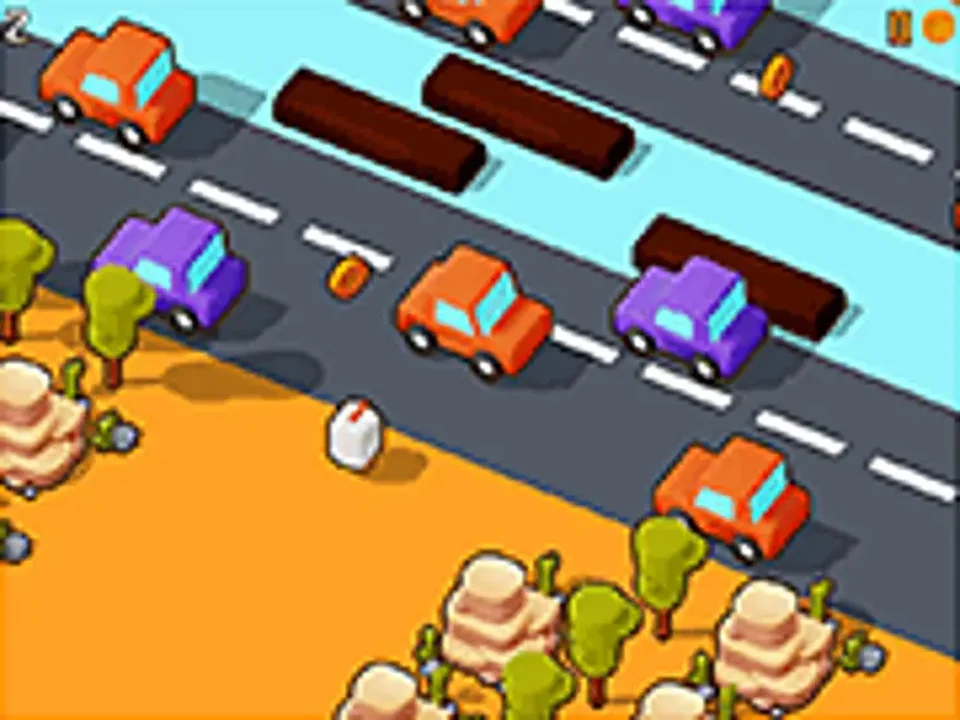 YOUR NEXT
DETOUR ↗
Watch the lane you will enter
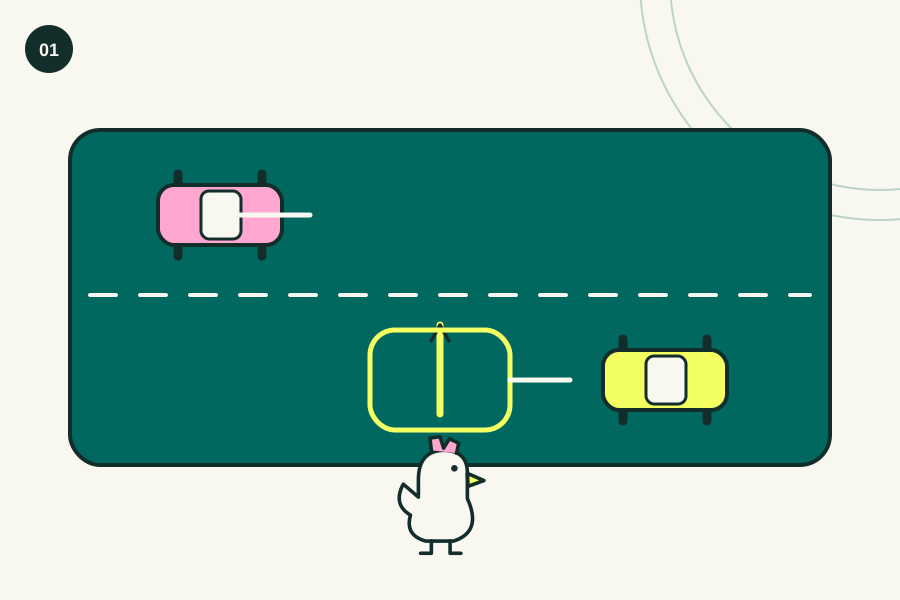
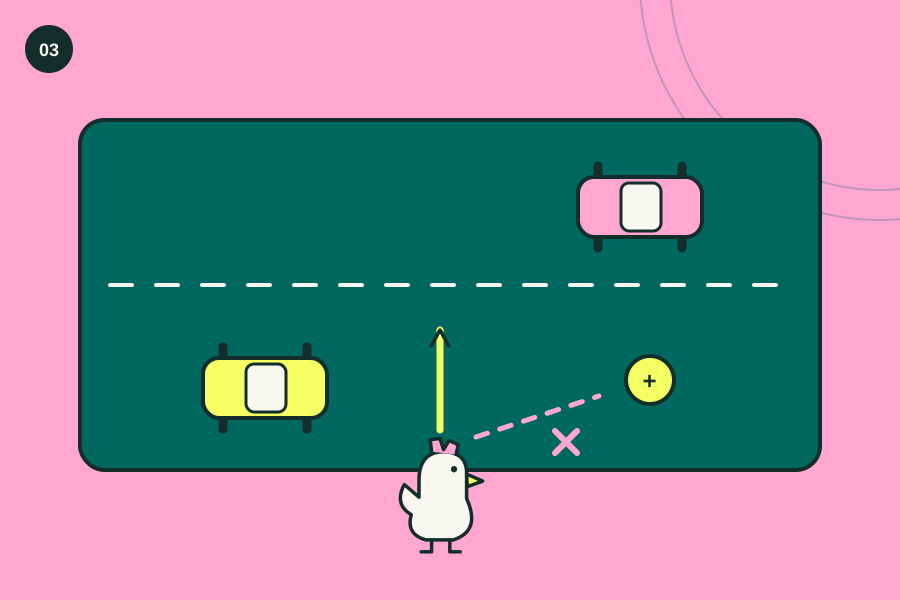
Don't plan the whole crossing at once. A gap several lanes away can disappear before you reach it, so use the nearest obstacle as your first decision and update the plan after each successful move.
- 01Read which way the nearest traffic moves.
- 02Wait for a gap that reaches your position.
- 03Take one step and reassess the next lane.
 Editorial illustration · enlarge ↗
A quick pick with a useful little skill to learn
We'd put this near the front of a short-break shortlist because the problem is readable immediately, while watching the correct bit of traffic gives the next attempt a specific purpose. Keep the coins secondary. The repetition is part of the format, so choose something else if restarting a familiar obstacle is more irritating than satisfying.
Before you settle in
Y8 lists desktop and mobile browsers, so this is one of the more flexible picks in the collection when you want a short arcade attempt without arranging a keyboard session first. Check the opening control prompt.
Look where you are about to stand
Distance can distract you. The open space on the far side of a road looks inviting, but the useful information is the vehicle that will reach the square you intend to enter next. Follow that movement for a moment before committing. This changes a vague feeling of danger into a smaller question about one lane and one step.
Decide whether a coin is worth a detour
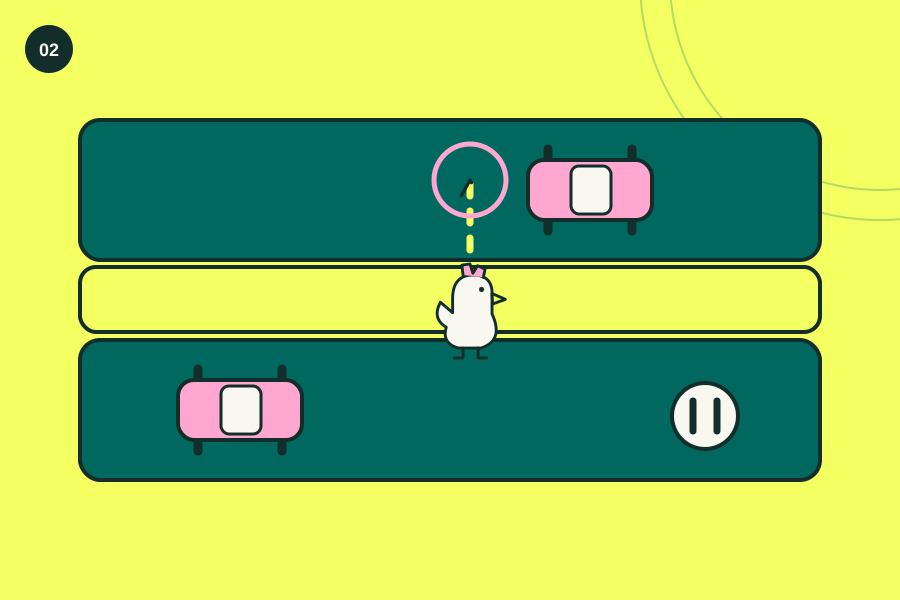
The coin doesn't make the crossing safer, and moving sideways to collect it can change the gap you were going to use for the following step across the road. Recheck before returning to your route. The platform says coins unlock other animals, so treat them as an extra goal rather than a reason to abandon every safe opening you spot.
Review the last input, not the whole run
A failed attempt can still teach something. Ask whether you misread the traffic direction, waited too long or queued a movement before seeing the next obstacle, because each answer suggests a different change on the next run. Keep the diagnosis small. Trying to play faster after every mistake isn't much help if speed wasn't what caused it.
A small control cheat sheet.
- Directional input
- Move the chicken through the crossing
- Touch controls
- Use the movement prompt shown by the mobile version
- Animal selection
- Spend collected coins on available animals
When a try goes sideways.
Watching the far side of the road
Bring your attention closer. When your eyes stay on the distant destination, the vehicle approaching your next landing spot becomes background movement, so watch the lane you are about to enter before taking that step.
Following a coin without checking the exit
Before moving towards a coin, look at how you will leave that position afterwards, because a safe detour now can put you in a much less comfortable place for the next crossing. Plan the return too.
Repeating a movement after the situation changed
Use a fresh gap. The timing that worked a moment ago belongs to the traffic you saw then, so reassess the current lane instead of treating two similar-looking crossings as the same sequence.
See the idea, then try it.
Is this your kind of game?
Choose it for a direct arcade challenge. It suits a player who enjoys several brief attempts with one small improvement between them, particularly when a complicated set of abilities would get in the way of starting quickly.
The bit to keep in mind
The developer credit is unclear. Y8 describes the game and its supported devices but doesn't identify the original studio on the linked page, so we don't attach a familiar developer's name just because the title resembles another crossing game. This guide covers Crossy Chicken on Y8.
Still wondering?
Is this the same game as Crossy Road?
Treat them as separate titles. Our source is Y8's page for Crossy Chicken, and a shared road-crossing idea doesn't establish that its developer, character collection or exact movement rules match a different game.
What are the coins for?
They unlock other animals in the shop, according to Y8, but the page doesn't promise that buying an animal makes the next crossing easier or gives it a special gameplay advantage. Collect them without assuming a power-up.
Can I play without downloading an app?
Y8 describes direct browser play on desktop and mobile, so the linked version doesn't require an app download, although its platform may still show advertising or ask you about its own cookie settings. Use the browser game area.